Summer is the great audit. You take a few days off and you find out fast which of your tools actually work without you hovering over them — and which ones just sit there waiting.
This month’s release is built for the season. Every feature we shipped does something for you while your attention is elsewhere. Slackbot synthesizes research, generates decks, and builds live dashboards without you needing to orchestrate it. Your CRM is in your pocket. Your status schedules itself. Your Salesforce channels spin up on demand. The Omniswitcher gets out of your way. Even Workflow Builder learned to run at a scale that doesn’t require you to babysit it.
The theme isn’t AI, and it’s not automation. It’s that Slack keeps working when you’re not in the room. Here’s what shipped this month.
Slackbot as a doer, not just an answerer
Slackbot has always been a good question-answerer. This month it got better at doing things.
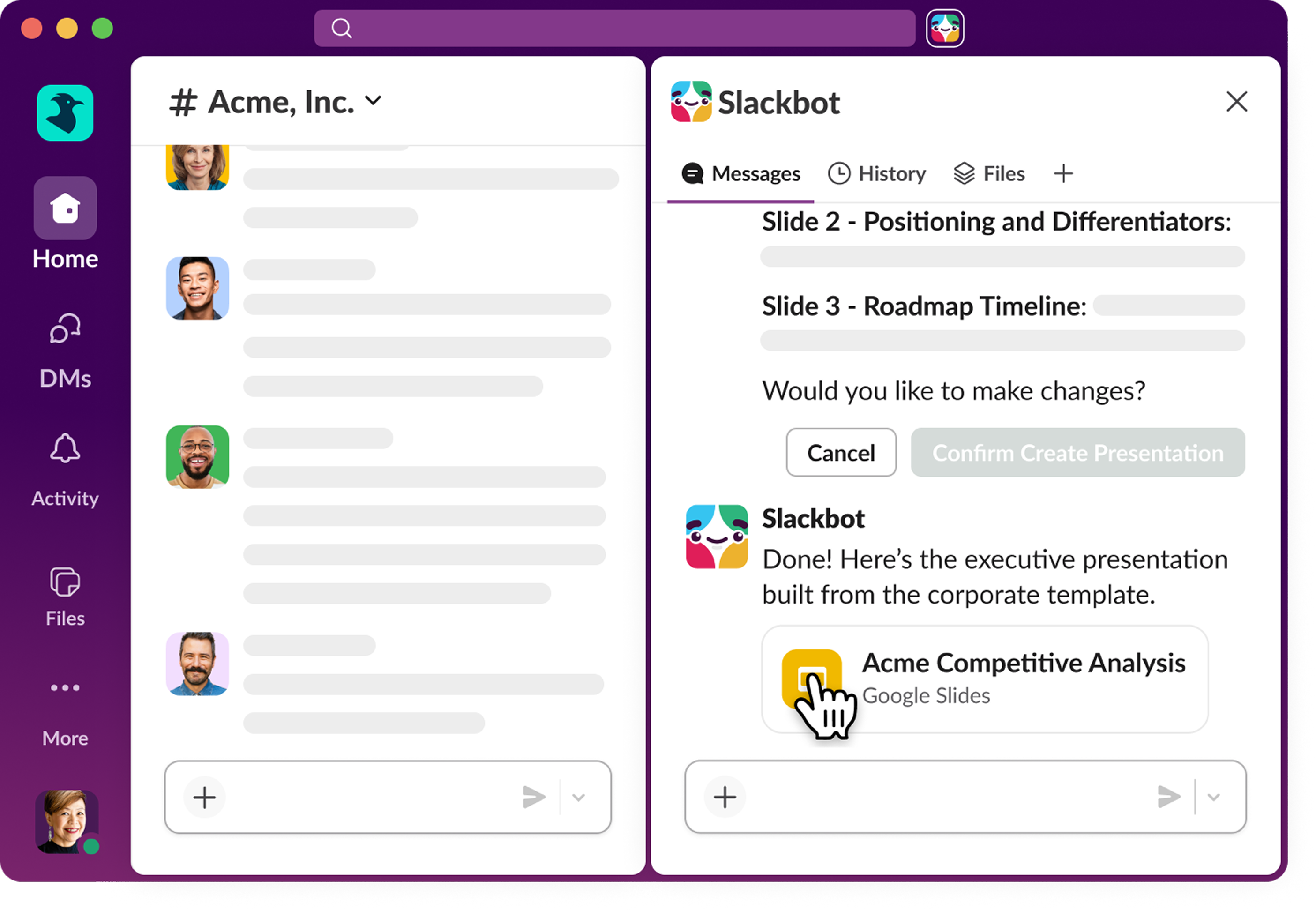
- Slide creation — ask Slackbot to build a Google Slides or PowerPoint presentation, from your own templates, and it hands you a deck that’s ready to share. From brief to slides without ever leaving Slack.
- Surfaces — Ask for a report or dashboard and Slackbot builds it right in the conversation. Sort, filter, drill in — then pin it to a channel tab so your whole team works from the same live data.
Your CRM works whether you’re at your desk or not
The CRM Sales Tracker is now on mobile. iOS users can update Salesforce records with quick actions right from their notifications — close a deal, log a note, move a stage — without opening another app. The work doesn’t stop when you step away from your laptop.
And for teams doing more in Slack with Salesforce:
- Slackbot: Create Salesforce Channels — Just ask. Slackbot spins up a Salesforce-connected channel for any record without you leaving Slack or going through a manual setup.
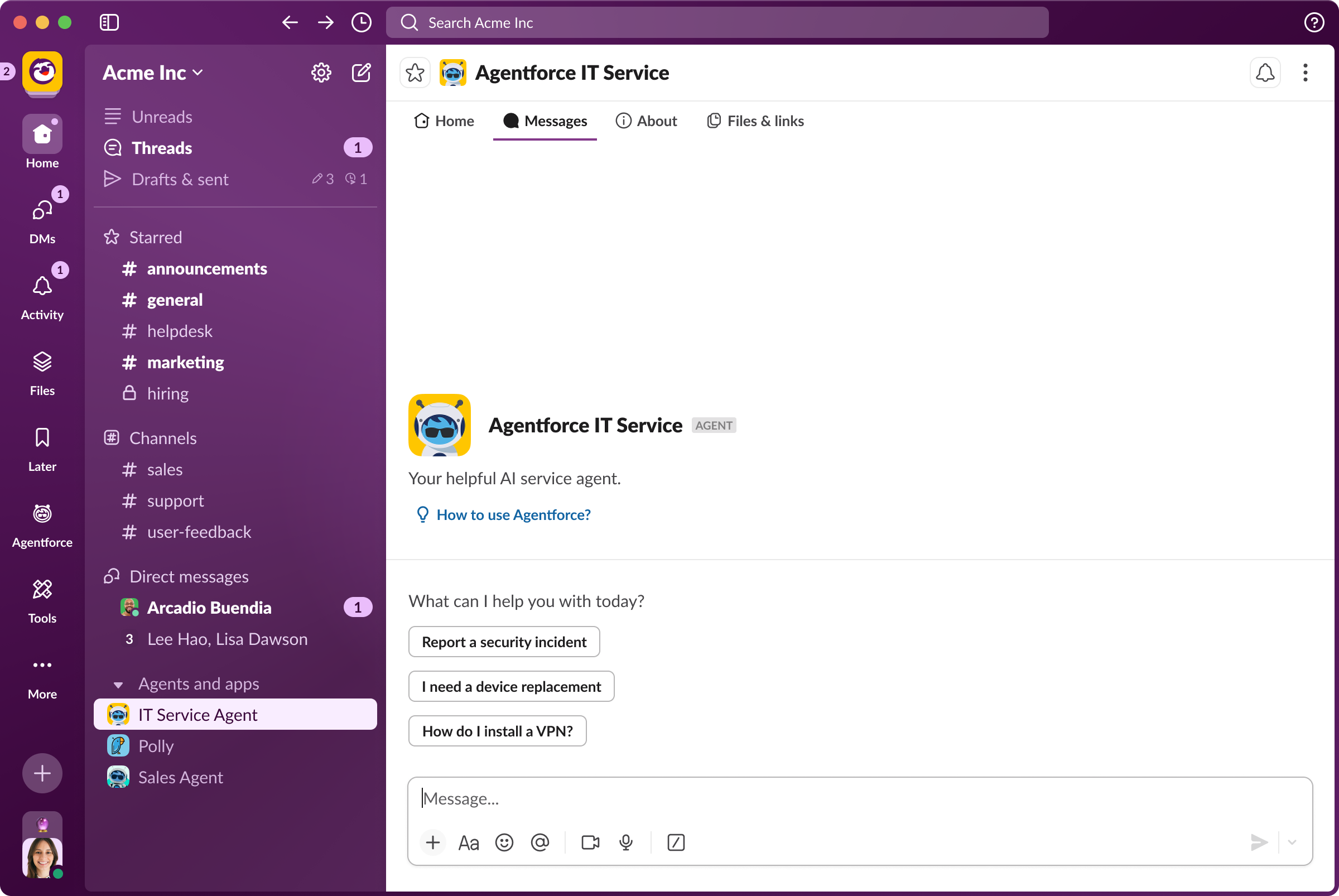
- Agentforce DM — Messages tab — All your Agentforce conversations now live in one organized view. Easier to track what you asked, what got answered, and where you left off.
The everyday stuff, made faster
A few updates this month are the kind that make you wonder how you lived without them.
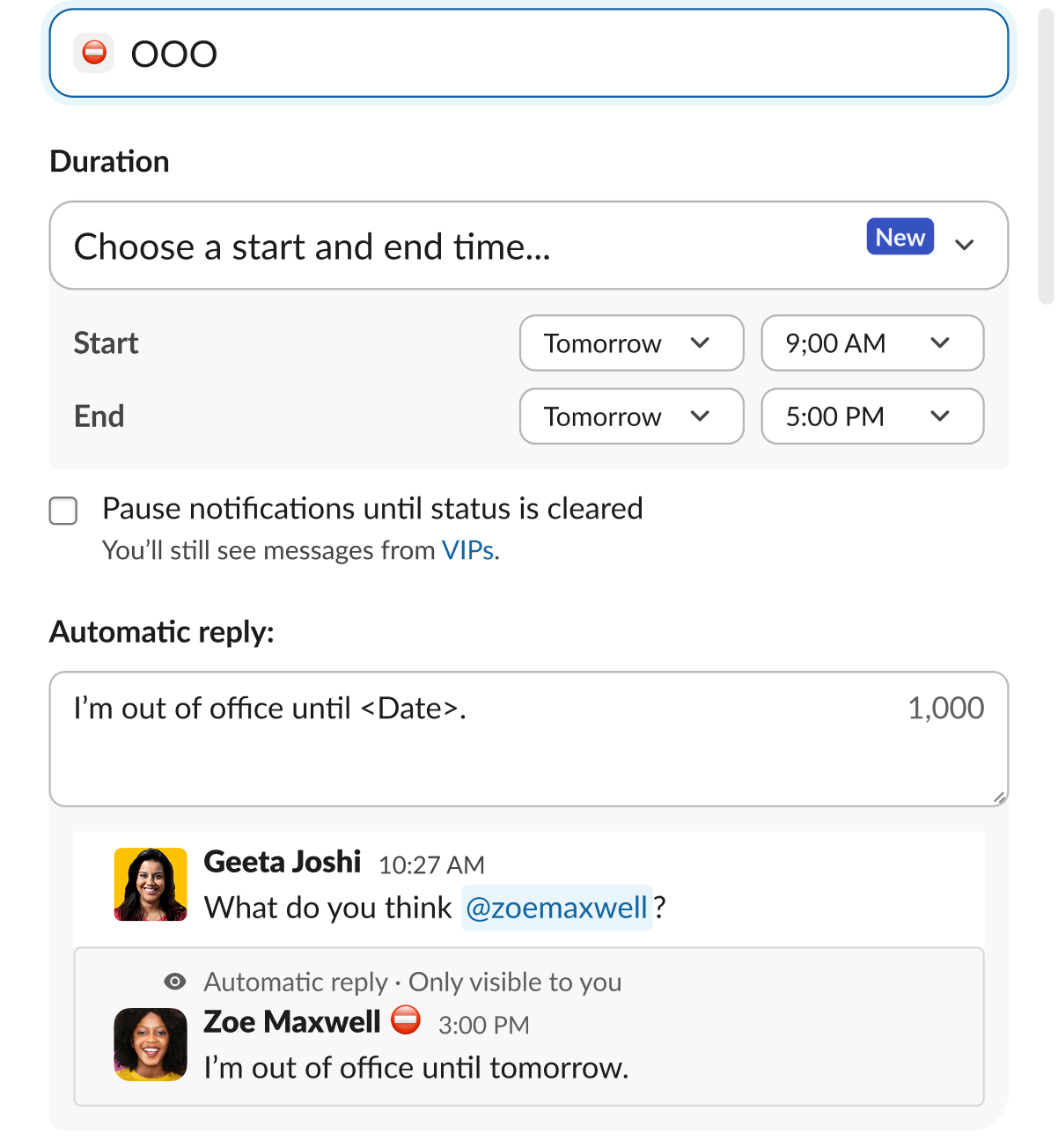
- Scheduled Status — Set a custom status to activate at a future time. Queue up to five, scheduled up to a year out. Ideal for travel, focus blocks, or just being realistic about Monday.
- Merged Omniswitcher puts navigation and search in the same place. CMD+K is now a single, search-first experience: find a channel, jump to a thread, ask Slackbot a question — without breaking stride.
- Canvas Table of Contents — Canvases with headings now auto-generate a table of contents so anyone can orient and navigate instantly. It updates itself, so there’s nothing to maintain.
- Temporary Join a Channel — Join any public channel for Today, 48 hours, or 1 week. Slack auto-removes you when time’s up. No guilt, no clutter, no permanent sidebar additions.
Workflow Builder, built for speed
And for the automated work that keeps on working:
- Lookups & Repeaters adds three new steps to Workflow Builder: create object collections, filter and sort list items, and use Repeat to run steps across every item in a collection or user group. Bulk operations, repeated onboarding flows, mass comms — now all possible without writing a line of code.
- Work Object bidirectional commenting — Comments on work objects sync back to the source — and from the source back in. One conversation, no matter where it starts.
Ready to put it all to work?
Check out our Innovations webpage for previous releases.
Please note that some features may not be immediately available in your workspace depending on the rollout timeline, your Slack licensing plan, or additional license requirements. To learn more about feature availability, check with your admin on the licensing plans for your workspace.
Ready to learn more? Contact us.
 ¡Genial!
¡Muchísimas gracias por tus comentarios!
¡Entendido!
Gracias por tus comentarios.
¡Uy! Estamos teniendo dificultades. Por favor, inténtalo de nuevo más tarde.